
Product TEA Test: GAMMA
The Fastest Way to Turn Ideas into Beautiful Slides


🎯TL;DR
What: AI PowerPoint maker.
For:
any knowledge worker who’s doing reports, teaching, or presenting to investors, customers, students, etc.
especially for those who prefer faster turnaround—just focus on what you want to present and AI will do the rest for you: faster, more elegant, and precise the way you want.
Glows:
super fast, and beautiful layout
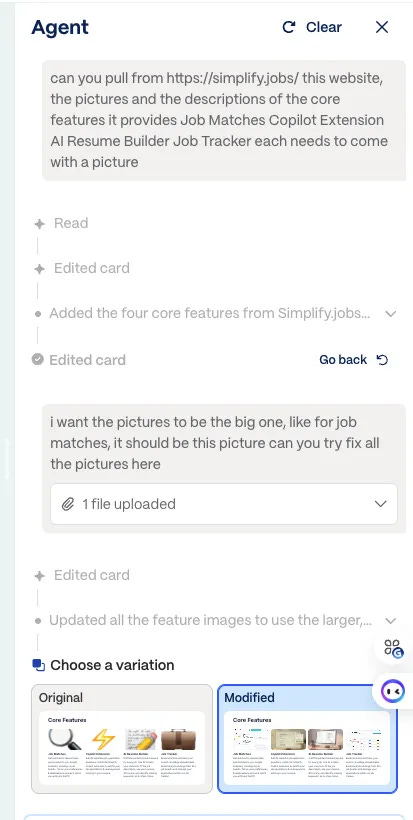
can talk to the AI agent and have it scrape the website directly for you to make slides
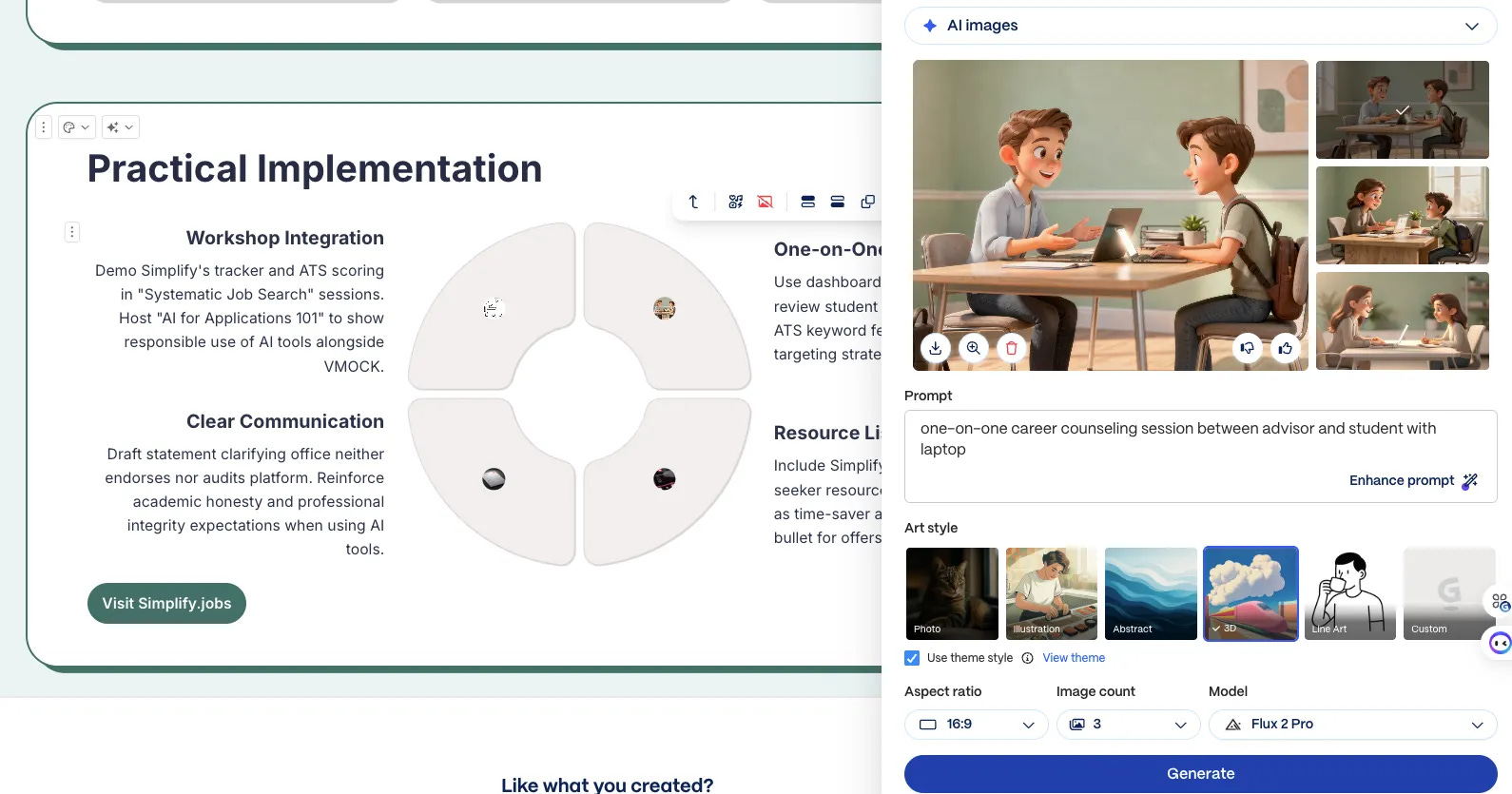
don’t have a picture option? Let the AI agent generate ones for you—you choose the style and prompt it
visualize words—it gets you and visualizes it just the way you want
Grows:
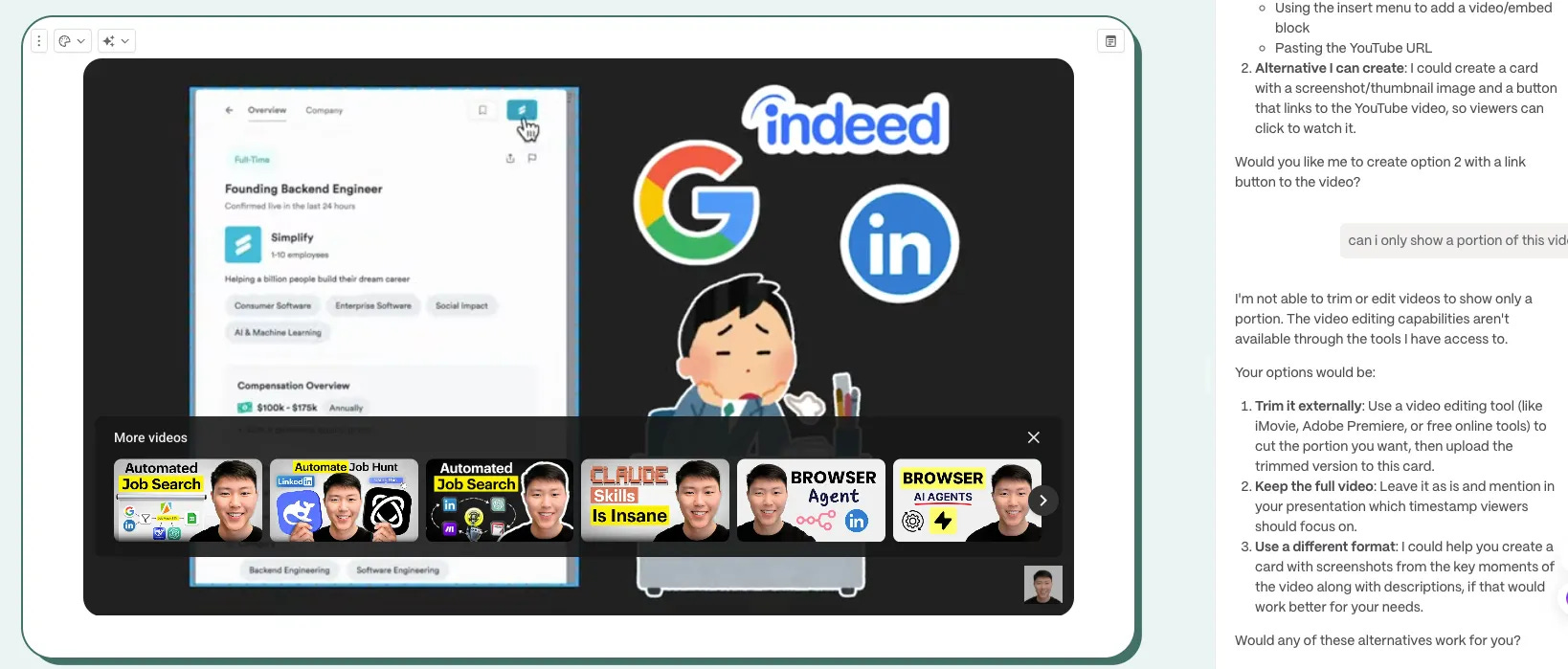
YouTube integration not so intuitive, can only do full video without the option of cutting it
can’t embed GIFs/short videos as intuitively—AI agents can’t scrape them from websites for you
Verdict:
highly recommend to those who have to present or do reports that require better layout/format and visual-heavy presentations
👤How It Actually Felt to Use
My context:
I tried to make a presentation about an AI job application tool, Simplify.jobs, and present it to a team that might consider it for their graduate students to use.
start your slides here:
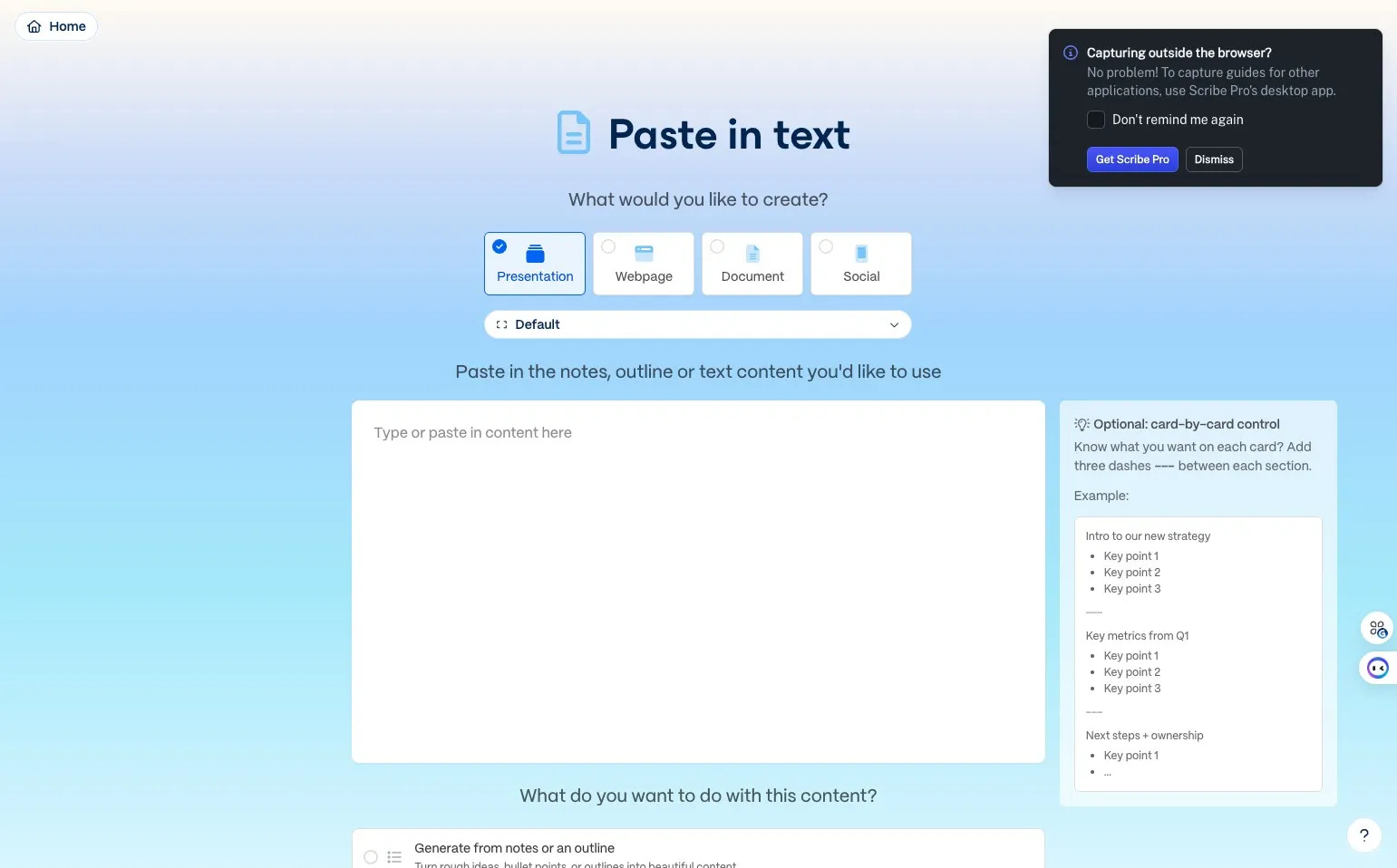
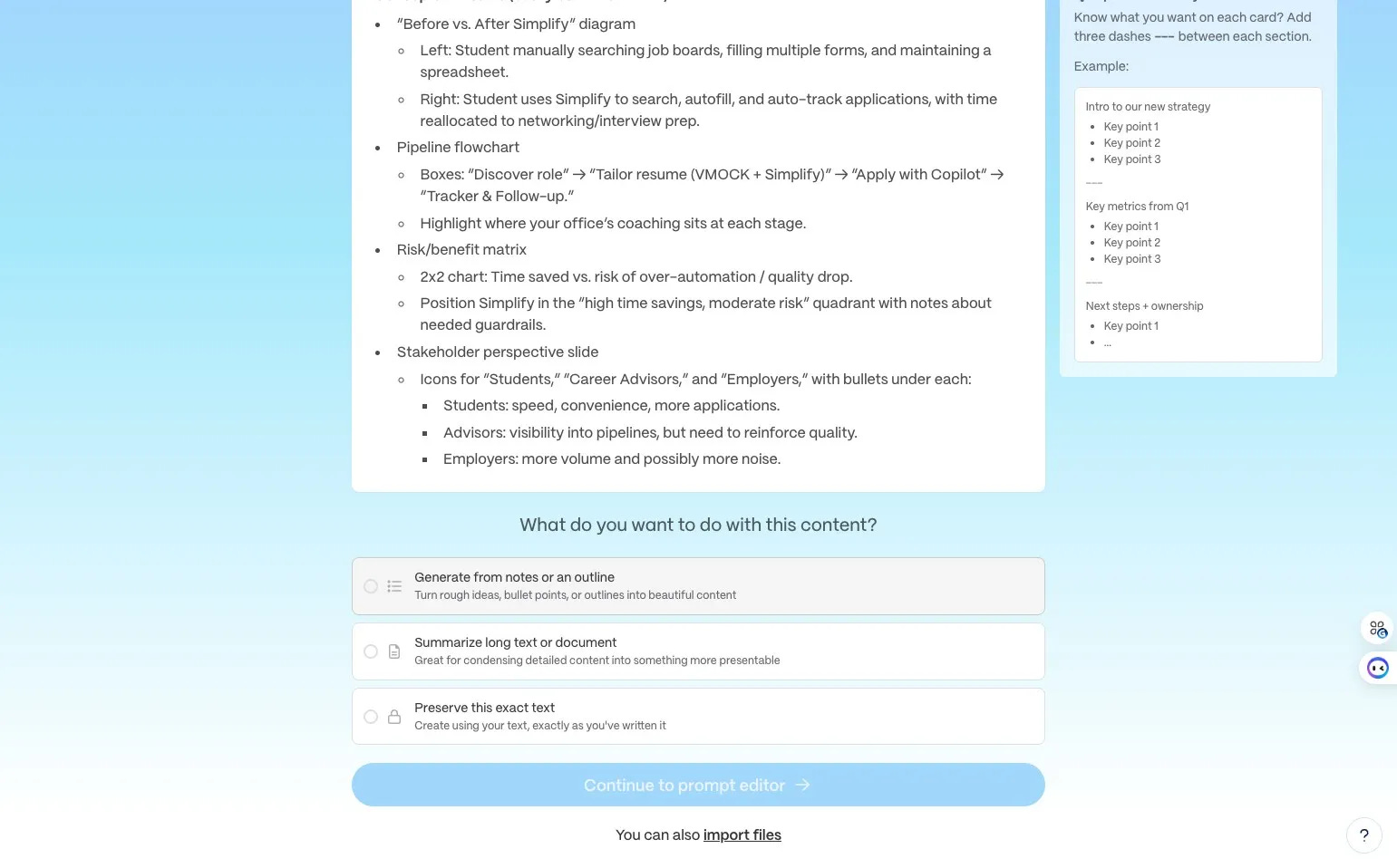
I had Perplexity generate the whole report about the AI job application app simplify.jobs and pasted it here
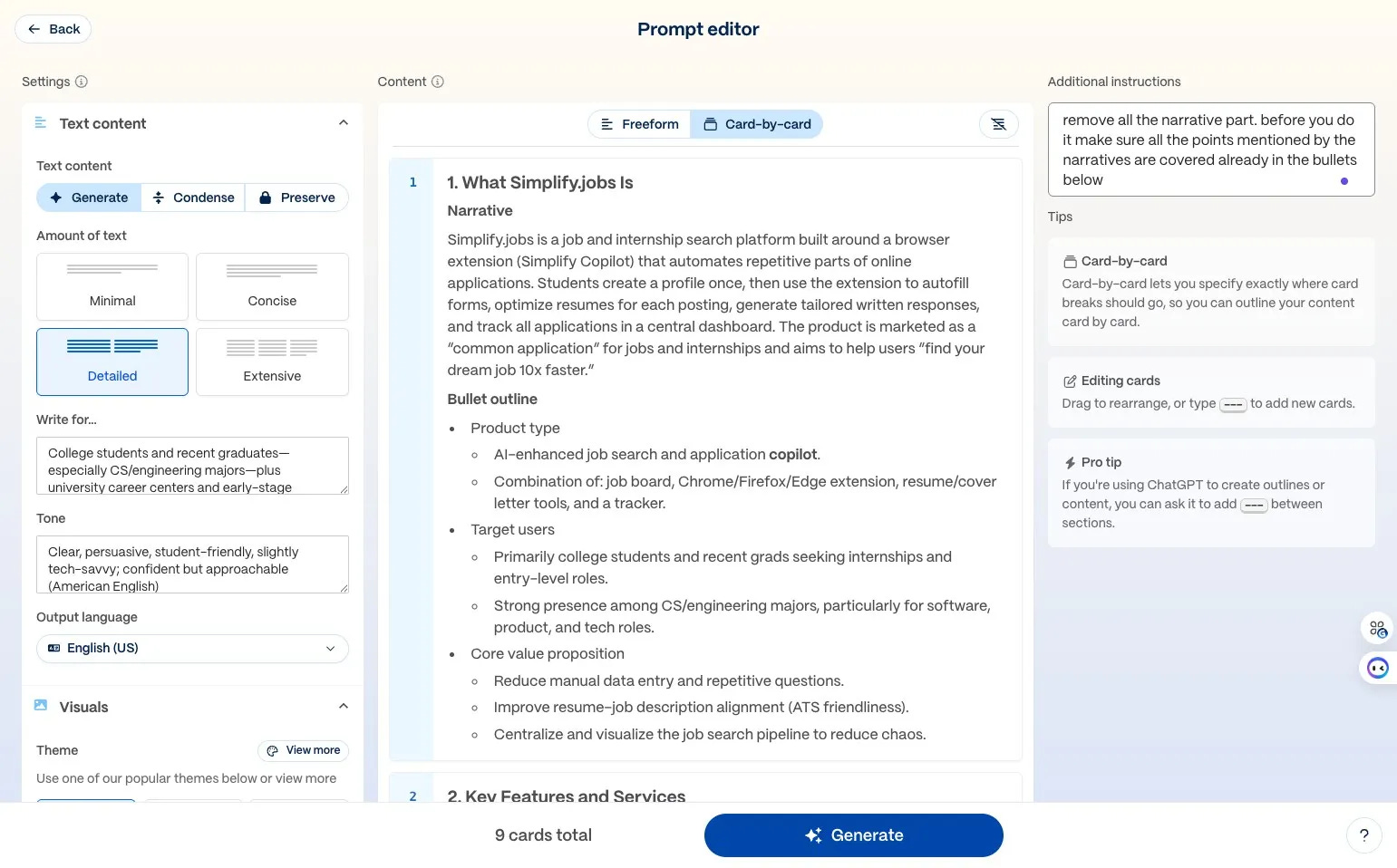
choose any theme of your preference, or customize your theme and add your logos and branding
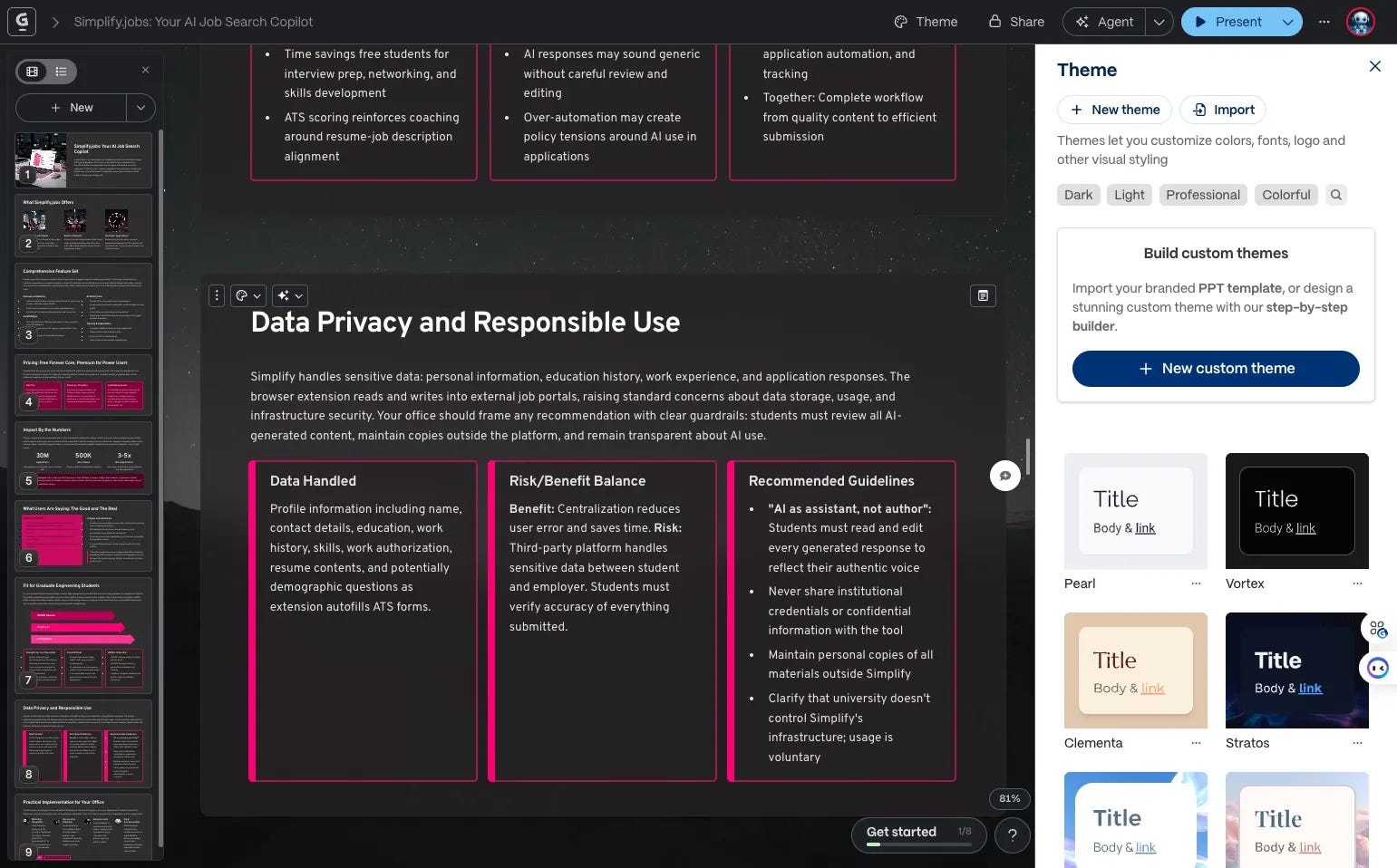
use the AI agent to edit directly on the card
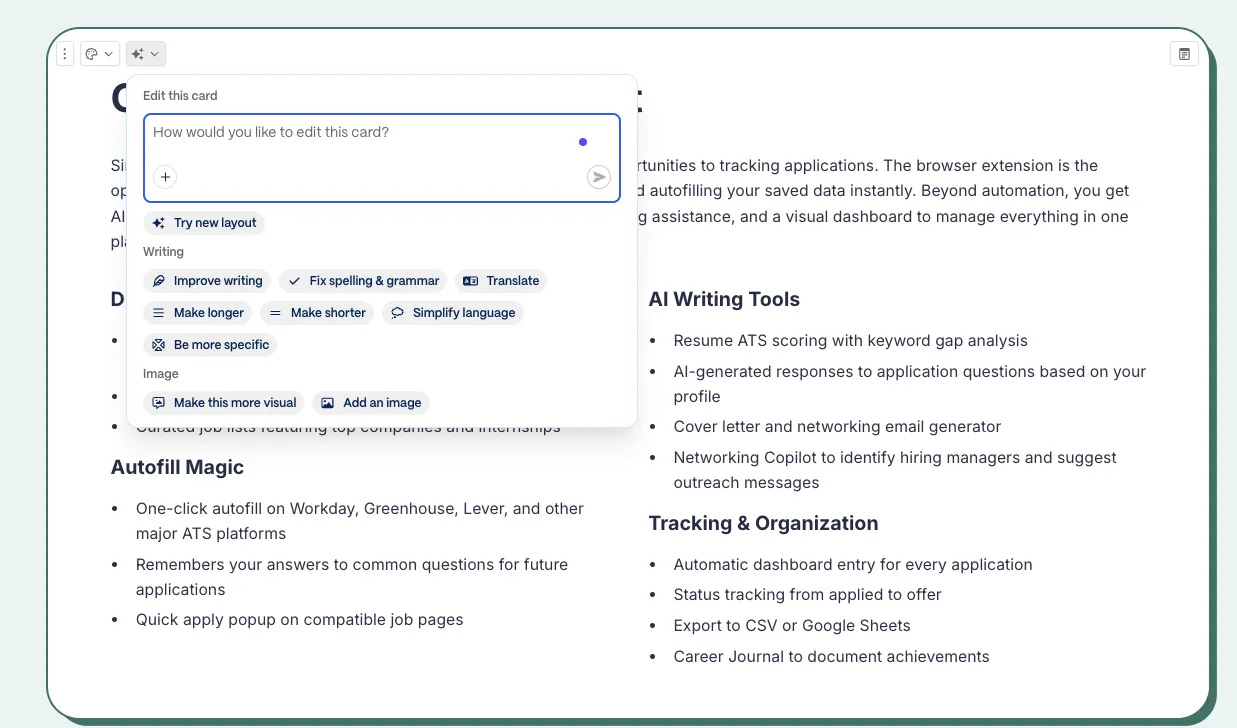
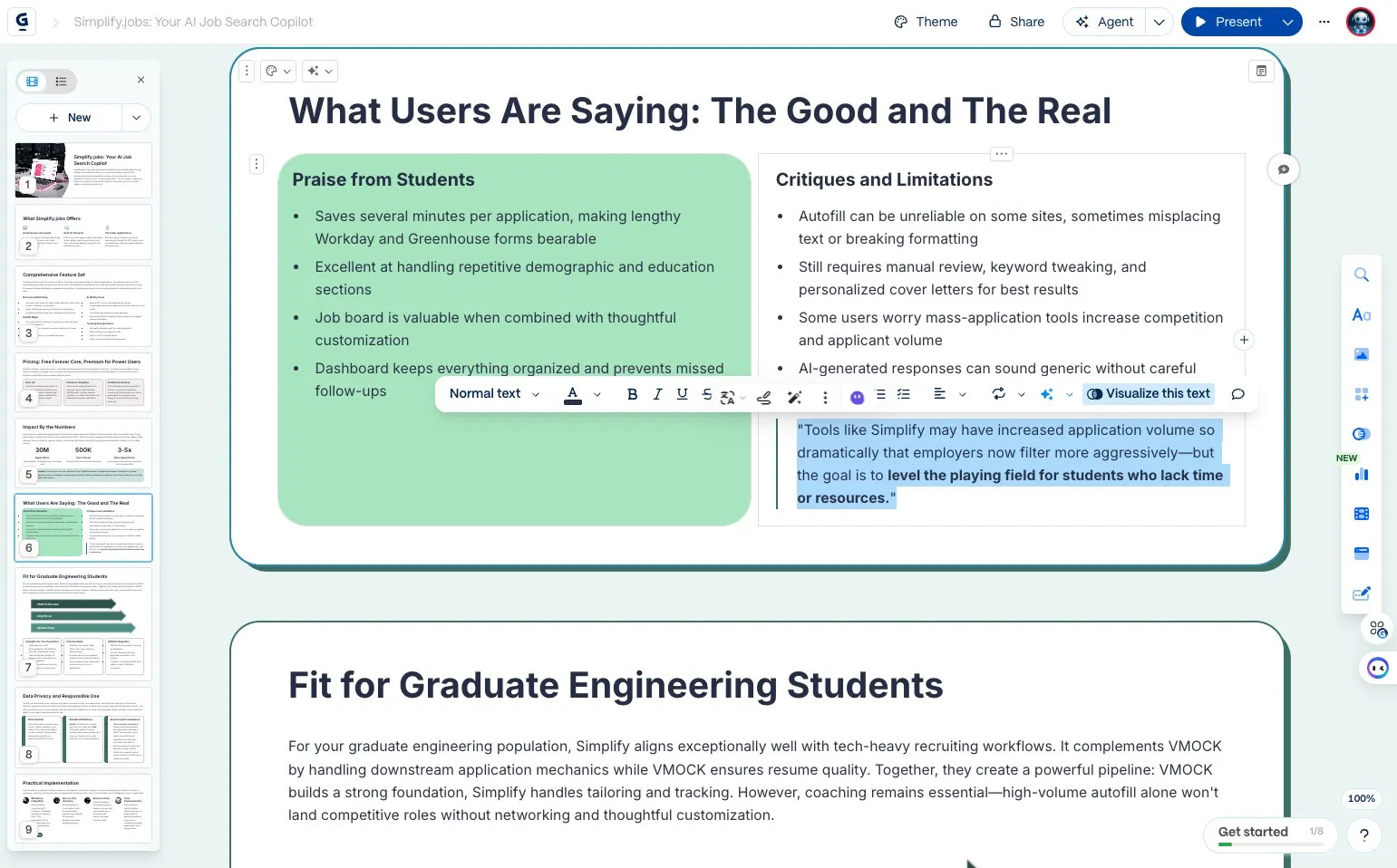
Best moments:
want to visualize one sentence? To make more pictures and less words?
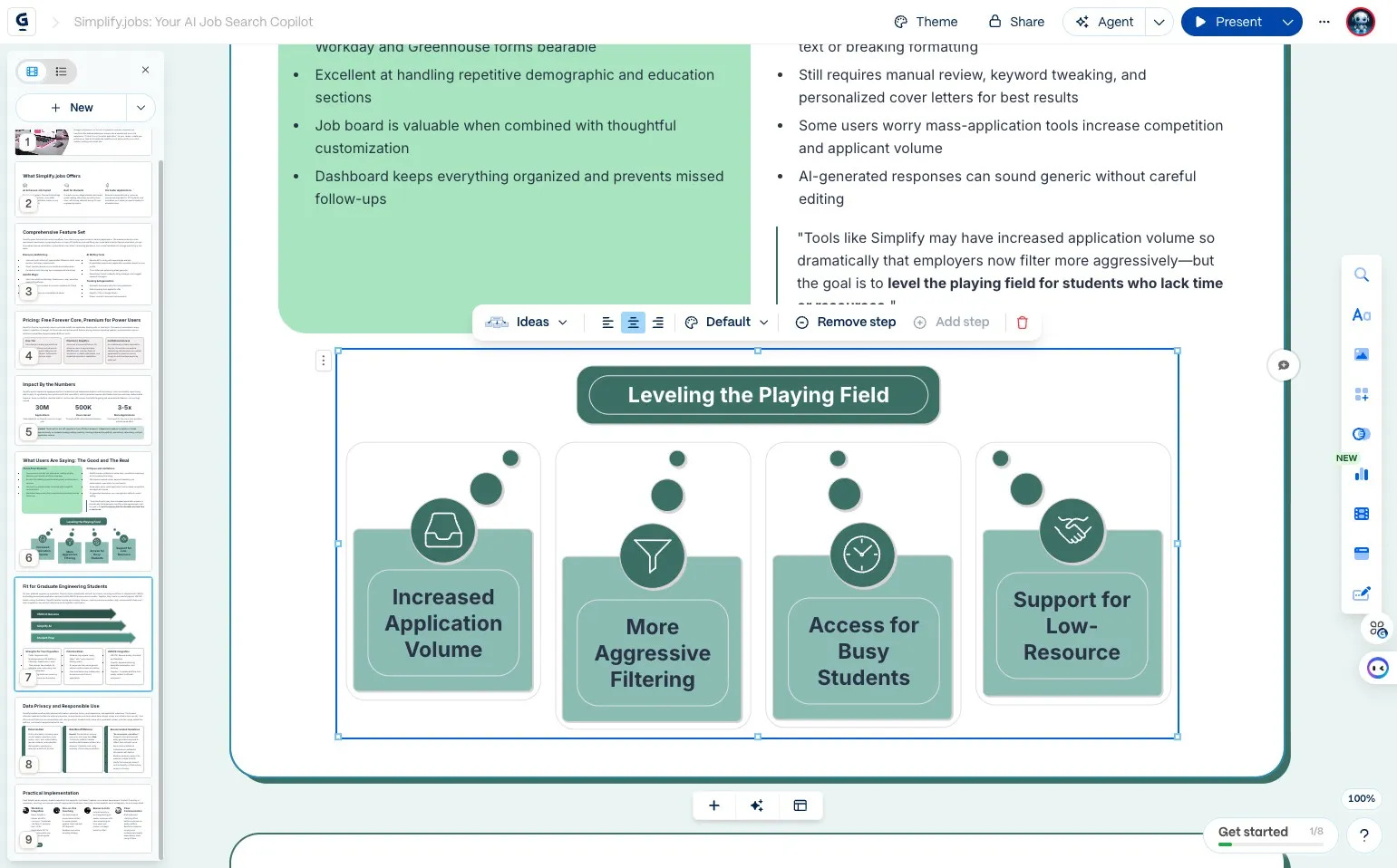
layout is buggy and you want more options and inspirations?
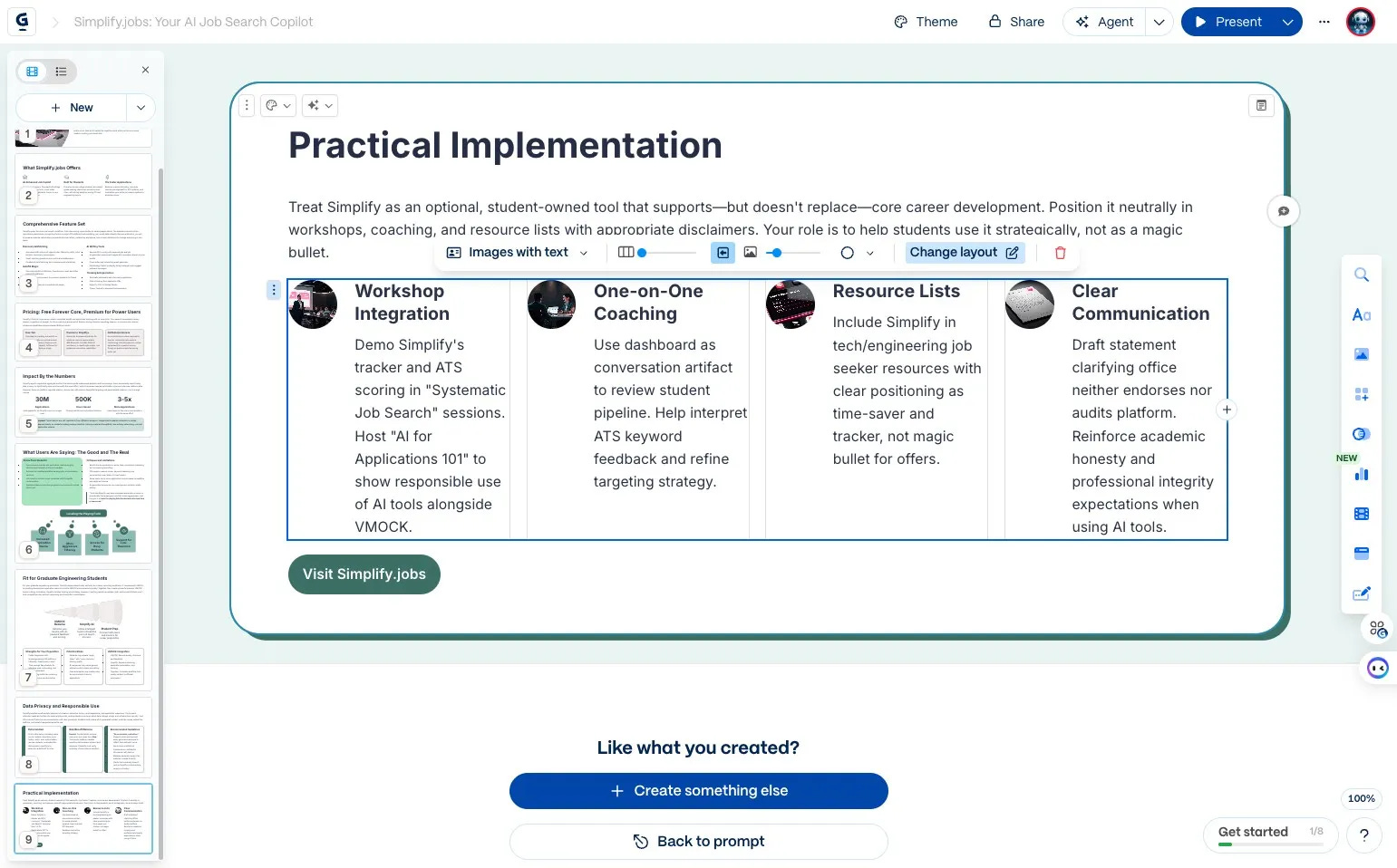
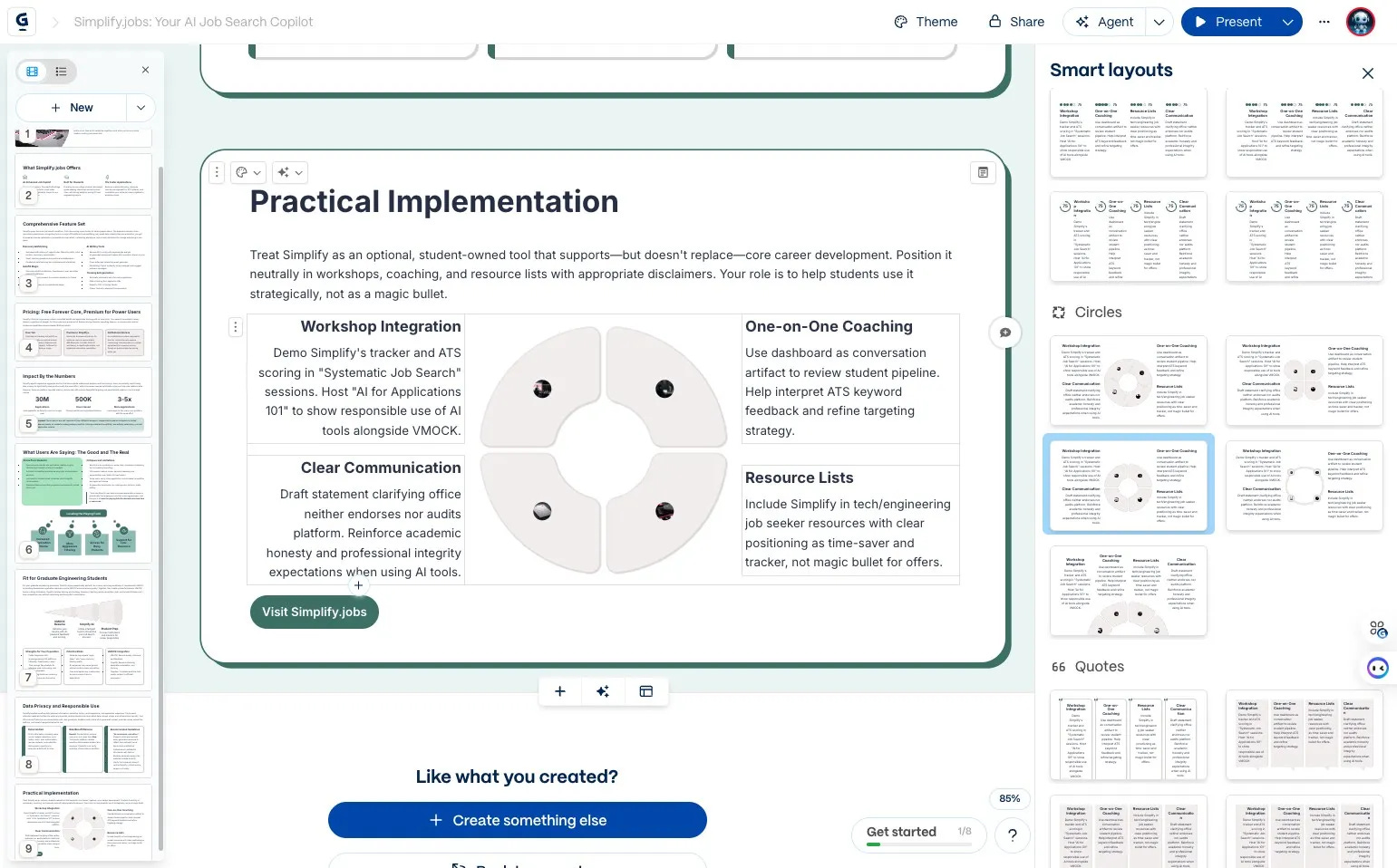
run out of pictures? Prompt AI and have the pictures generated for you directly in your slide
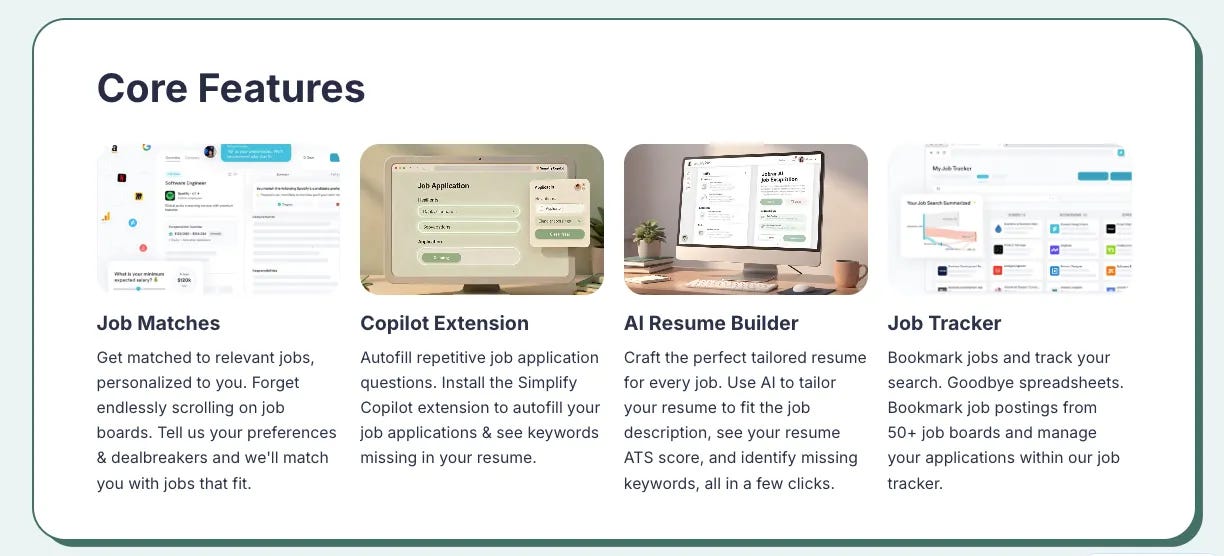
don’t want to copy and paste from the website to make the slides? Give instructions to the AI agent and have it scrape the website for you!
Frictions:
the thing with YouTube videos: one grow is you can’t set when you want the video to play or crop the video pieces. If that is enabled, even better. If YouTube can be transcribed or summarized for description purposes, that would make it even easier
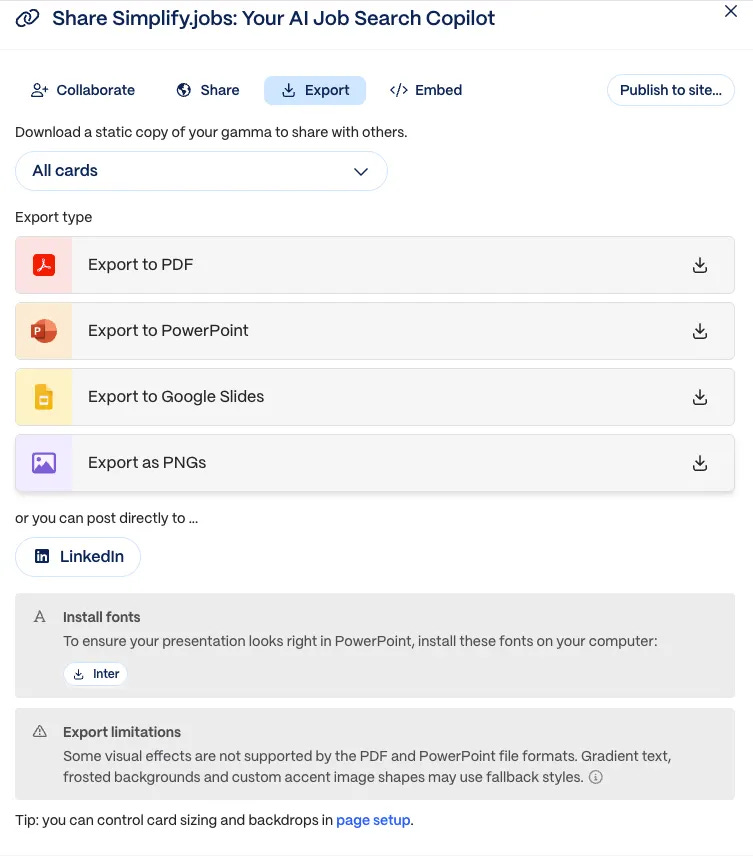
multiple ways to export: PDF, Excel
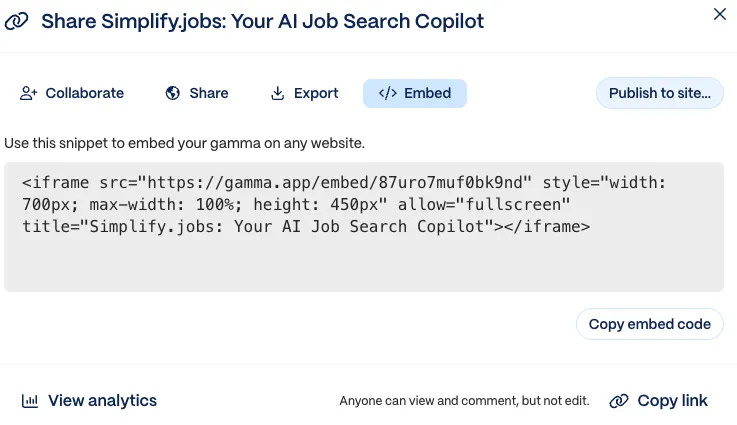
or even embed it in your website
📊PM Fit at a Glance
JTBD fit:
great for anyone who needs to present
Trust level:
pretty high, if you have a clear idea of exactly what you want to present and how you want to present it. Even if you don’t, you will get inspired by this app and find your style of presentation
Org & stack fit:
solo entrepreneur
teacher/consultant
all knowledge workers etc.
✅Who Should Try This
Great for:
any knowledge worker
Not ideal for:
can’t think of any yet. It will just make your efficiency of making a slideshow so much faster. Can’t think of anyone who wouldn’t want it. lol.
Timing: try it now to save time making slides, spend more time on the knowledge itself rather than the format. Let Gamma take care of the format on your behalf.
View the full GAMMA demo slides here.
That’s it! Next up, we’ll talk about Granola—the meeting note-taker that went viral a while back and that I’ve been using for over a year.
Till then, cheers!