
Product TEA Test: Granola
Meeting Notes Without the Awkward Bot


TL;DR
What: Granola is a lightweight, “in-the-background” AI meeting notes app. Instead of joining calls as a bot, it listens from your device and turns conversations into clean notes you can edit and reuse.
For:
personal use
work teams of any size
Glows:
No flashy “AI notetaker” joining your meeting. It feels non-invasive.
Very spontaneous. It starts capturing as soon as it detects microphone activity, and it auto-saves into the right folders based on content.
You can write your own notes while it transcribes, then it fills in details you might miss and tightens the output on top of what you wrote.
The output is immediately usable: structured notes, action items, and follow-up-ready summaries.
Grows:
The post-meeting email draft format needs improvement (especially when moving into Gmail).
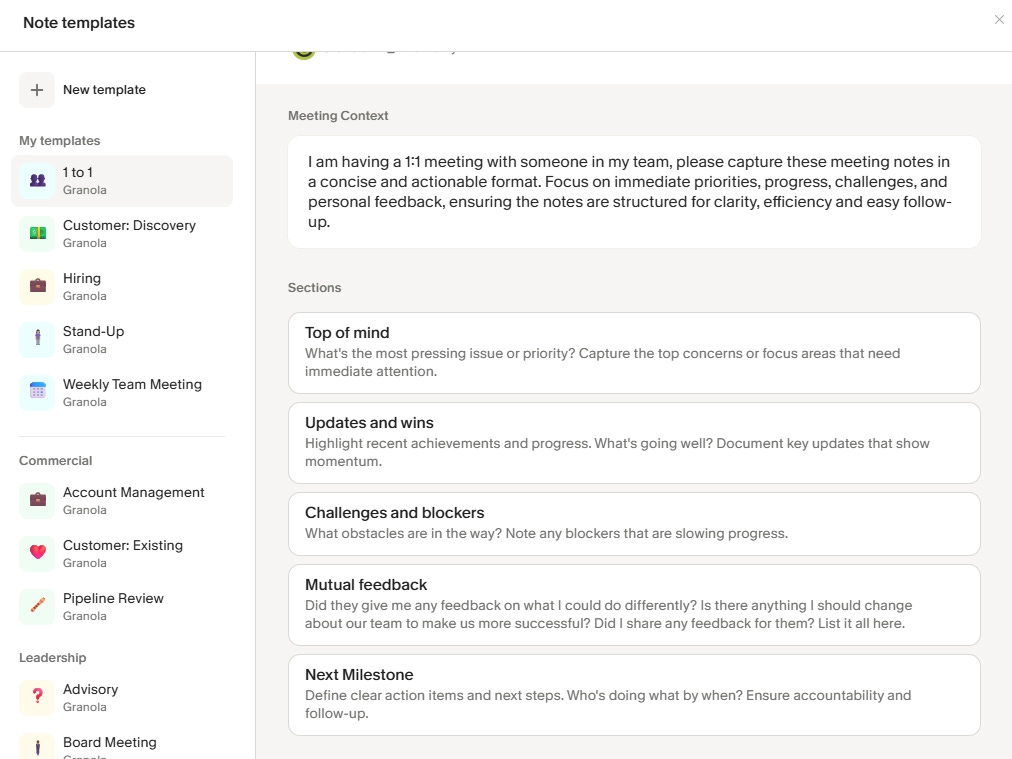
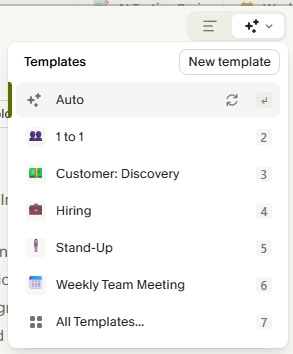
The note templates can feel like information overload.
Verdict: Recommended if you want consistent meeting notes with minimal effort and minimal “bot” vibes.
How It Actually Felt to Use
My context: I first heard about Granola through a few podcasts where founders and CEOs spoke highly of it in July 2025, and I have been using it since. The free tier used to include up to 25 free meetings per month, which felt practical for most work needs. Because it was free, I tried it. The more I used it, the more it became part of my workflow for basically every meeting, especially back-to-back calls where I would otherwise fall behind on notes.
Best moments:
It activates the moment your computer receives a microphone signal, so you do not forget to take notes.


The note-taking interface is clean and focused. You can jot down notes however you like, and Granola will polish them and fill in details.
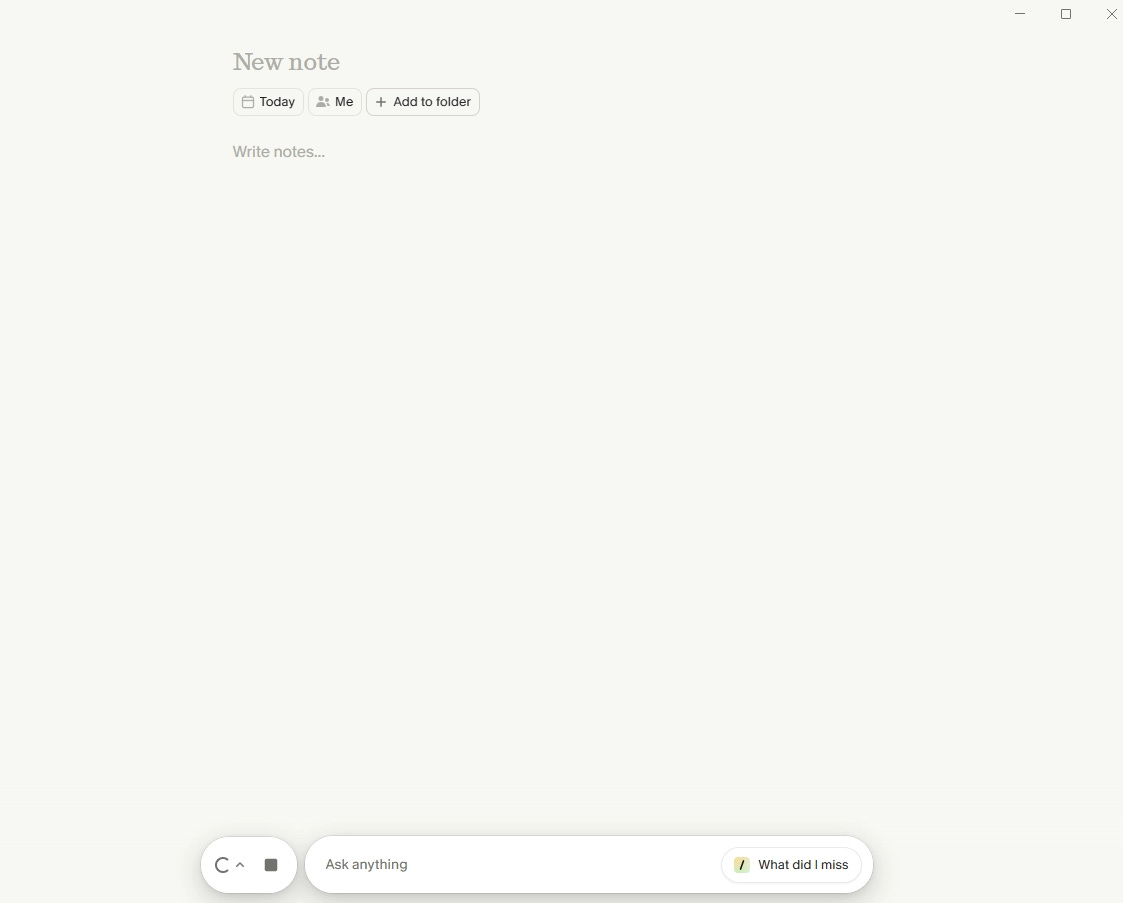
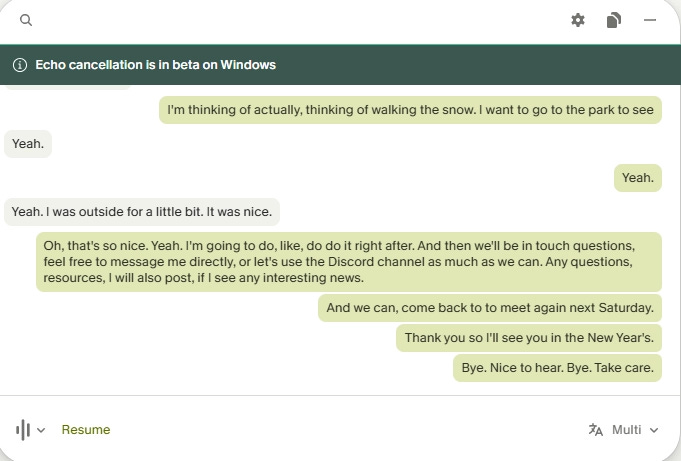
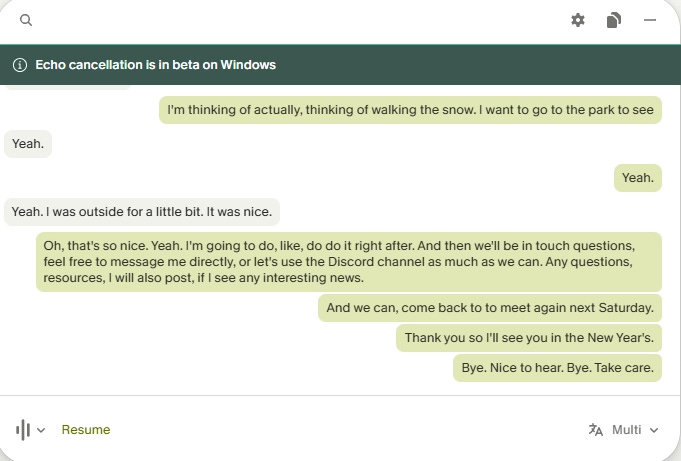
Live transcription updates as people speak, and you can review the conversation in real time.
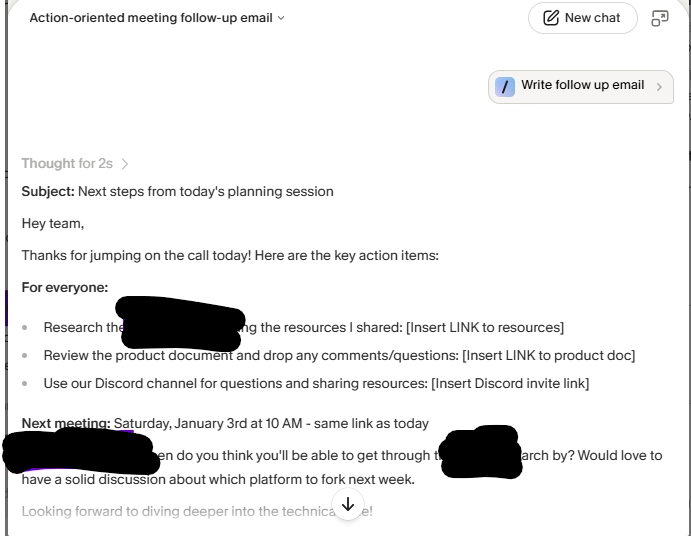
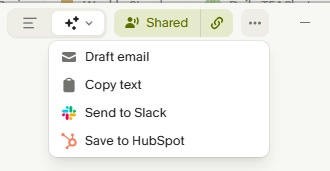
After the call, you can draft an action-oriented follow-up email in seconds from within the note
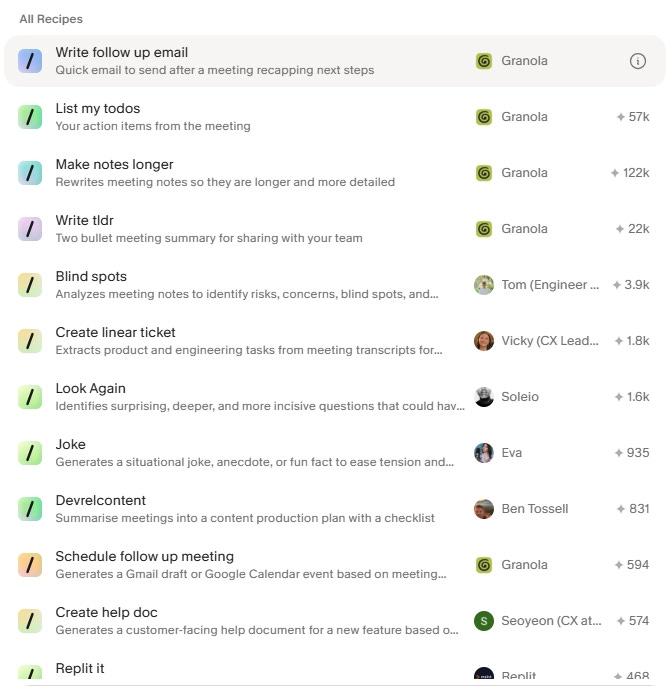
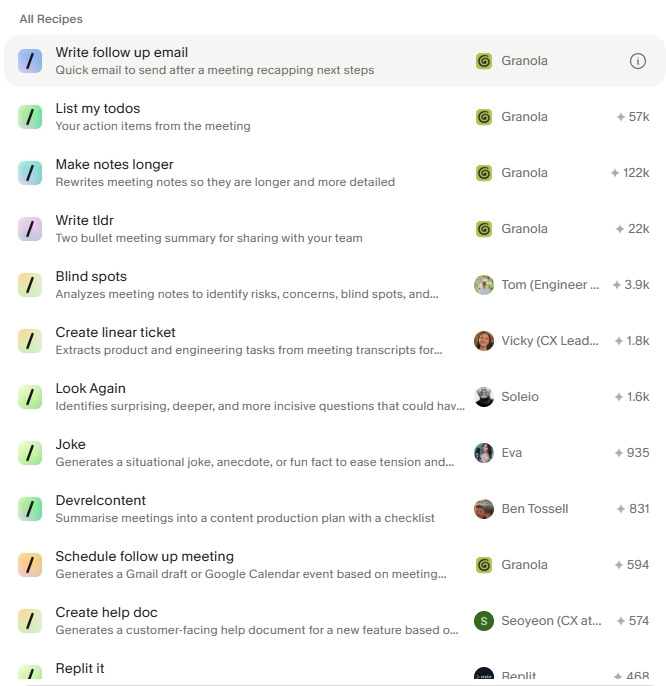
There are also “recipes” you can run on your meeting notes. What I liked most is “Blind Spots”. Instead of copying and pasting into a chatbot to get insights, Granola can generate those insights directly within the note.
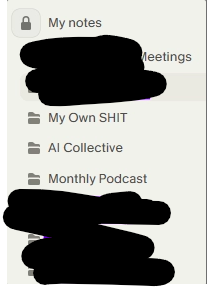
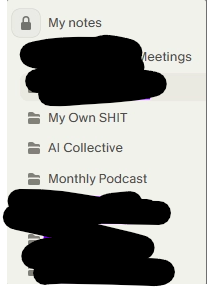
Meetings are grouped into folders you choose. Once folders are set up, Granola will usually auto-detect the best folder after the meeting, so you do not have to sort manually.
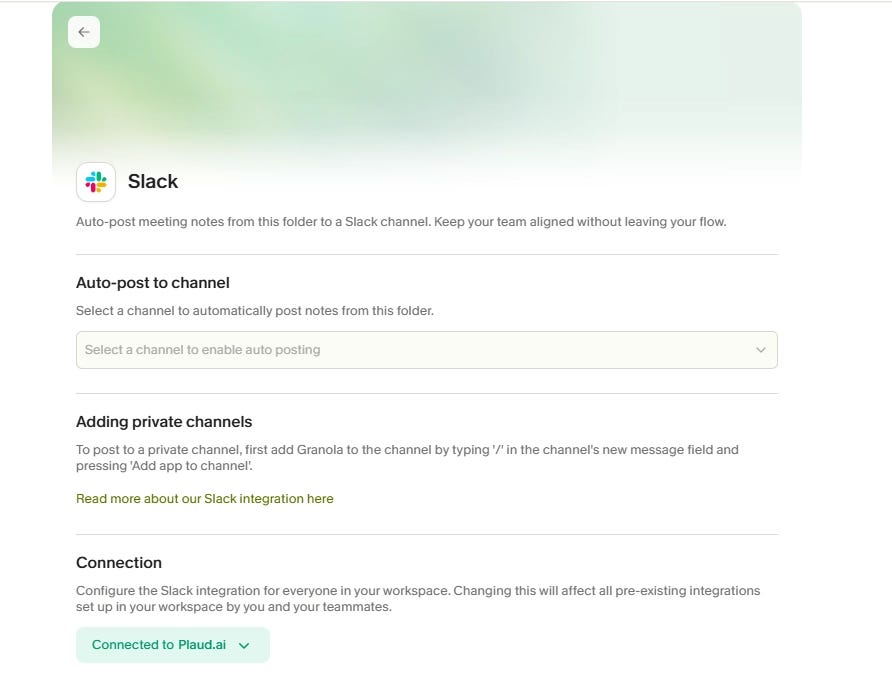
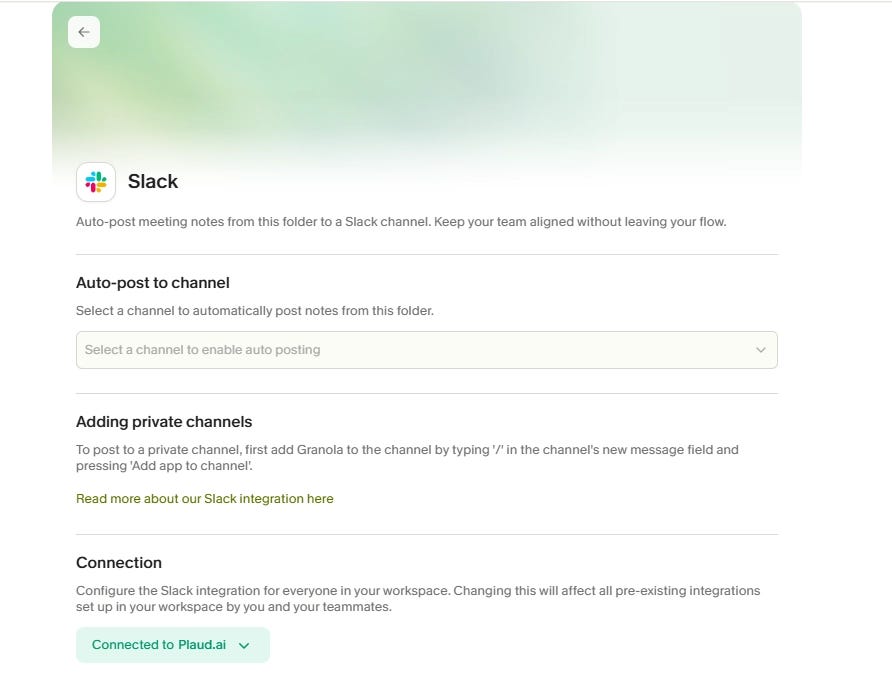
It looks like there are integrations (for example Slack, Attio, and Zapier). I have not tried them yet, but auto-pushing meeting notes into a Slack channel seems genuinely useful for teams.
They also did a fun end-of-year “Granola Crunched”: https://www.granola.ai/updates/granola-crunched. I remember finding it funny to see my meeting catchphrase (I cannot find the screenshot now). It felt like a “Wrapped” for meetings.
Frictions:
On the current free plan, it seems like they changed it to 25 meetings lifetime for free users, and conversation history disappears after 30 days.
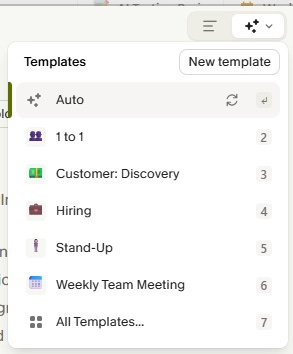
The note templates look polished, but can be overwhelming. Ideally, the app should infer the best structure based on what the meeting is actually about.
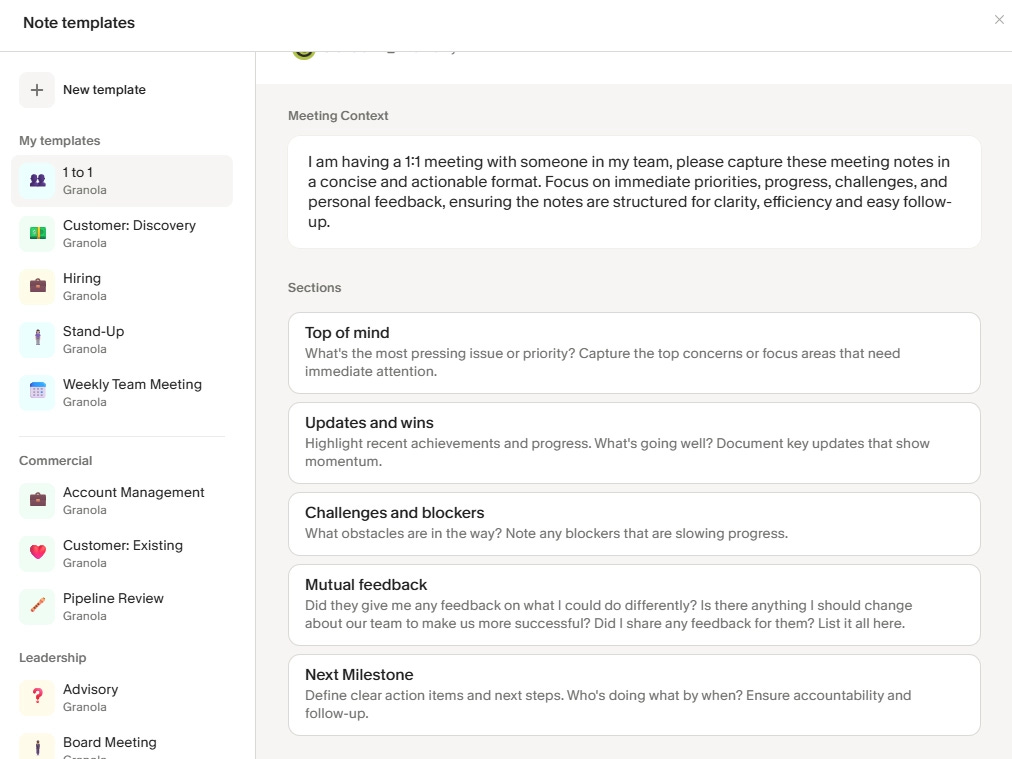
It does kind of do this automatically already, which makes the template choices feel like extra noise.
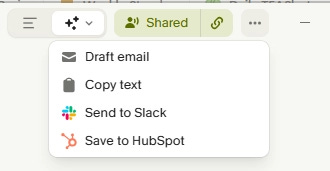
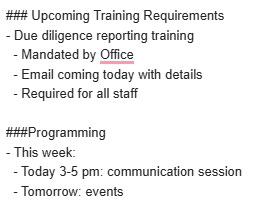
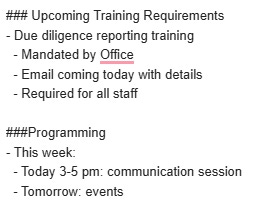
If you click “draft email” directly inside the note, it opens your mailbox, but the text comes in as Markdown. You have to reformat it into a readable, presentable email. This needs more work.
Who Should Try This
Great for: anyone who has frequent online meetings (and likely even in-person meetings).
Not ideal for: I cannot think of any specific group.
Timing: Try it now :D
That’s it for this week! Next week, we’ll dive into Wispr Flow, an AI voice dictation tool. Until then, cheers!